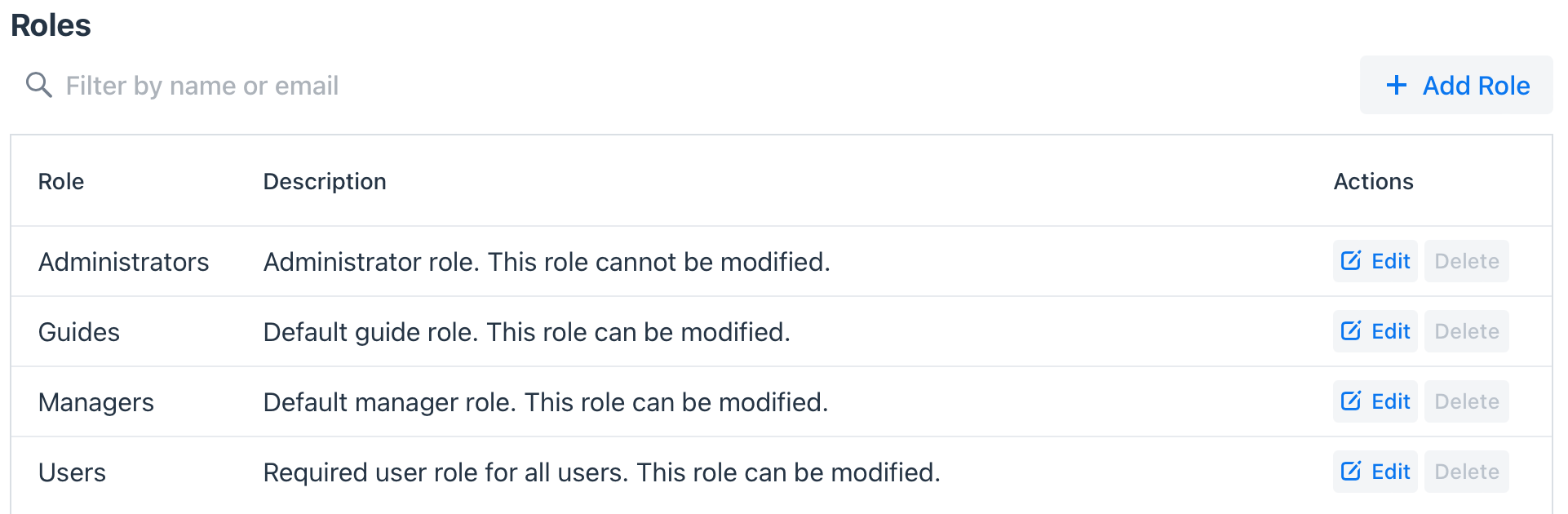
Administrators in the system can create specific User Roles based on the different types of users that have access to the system.
The default roles include:
| Role | Description | Allow Modifications |
| Administrators | This user type has access to all parts of the platform, and can manage other roles. | No |
| Managers | This user type has access to all parts of the platform except: Guide Assignments & Settings | Yes |
| Users | This is the default role that is assigned to all new users in the system. By default, a user has the same privileges as the Manager. | Yes |
| Guides | For tours and activities, you can assign Users as Guides, too. Guides can be assigned to tours and activities. | Yes |
Administrators can modify Roles in the system by going to Settings - Administration - Users
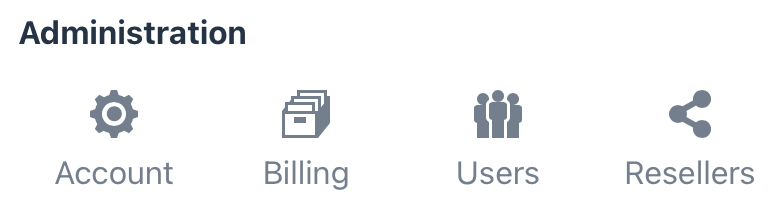
Select Manage Roles to view the default Roles.

On this page, you can Edit default users (except Administrators) or create your own roles. When editing or add a role, you can check or uncheck role privileges.